
Assumption here is that you have already created a SIP user with password and you may have a direct in dial in the account that binds to this SIP user. If you have not then please obtain these first.
Step 1. Login to your Epygi IP PBX, the default LAN IP is 172.30.0.1, the default user is admin password is 19
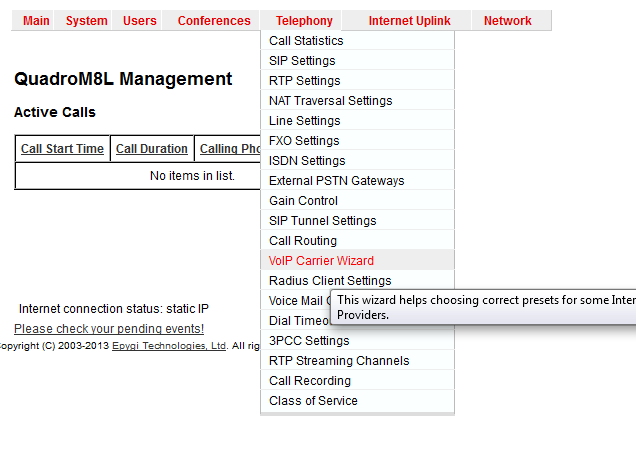
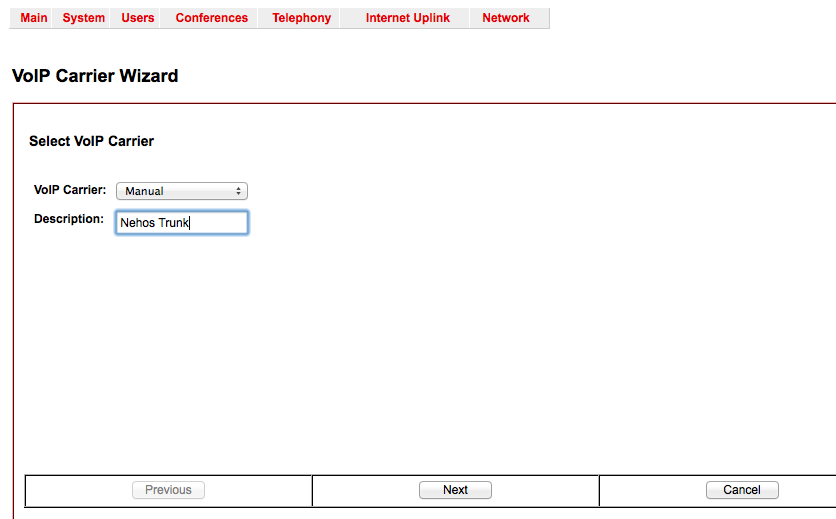
Click Next…
In place of example 6123456 Type in the SIP username and password as you created…
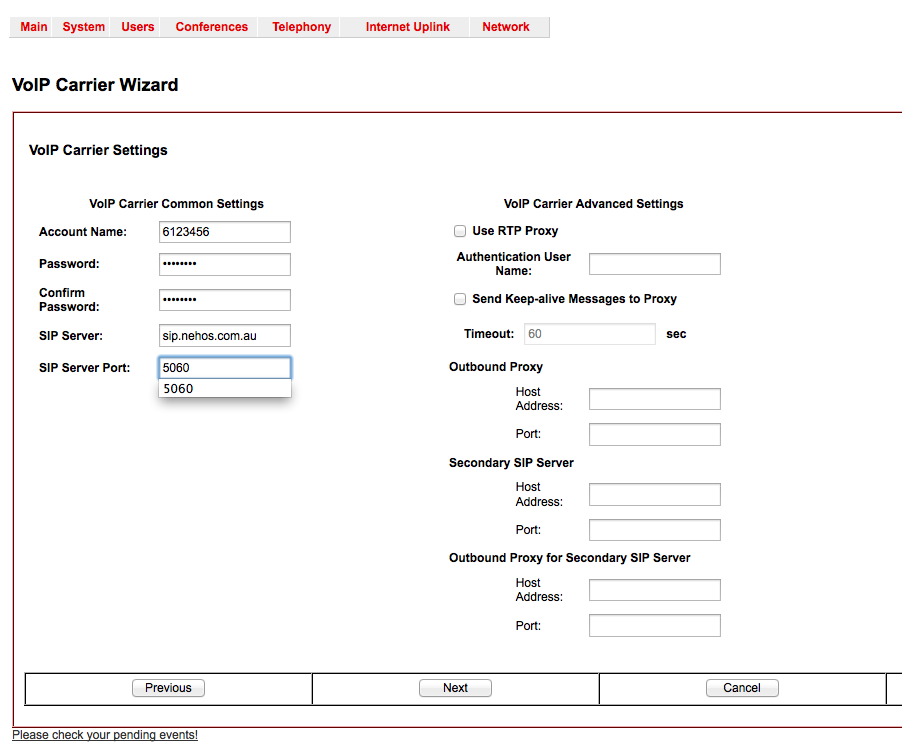
Select Next…
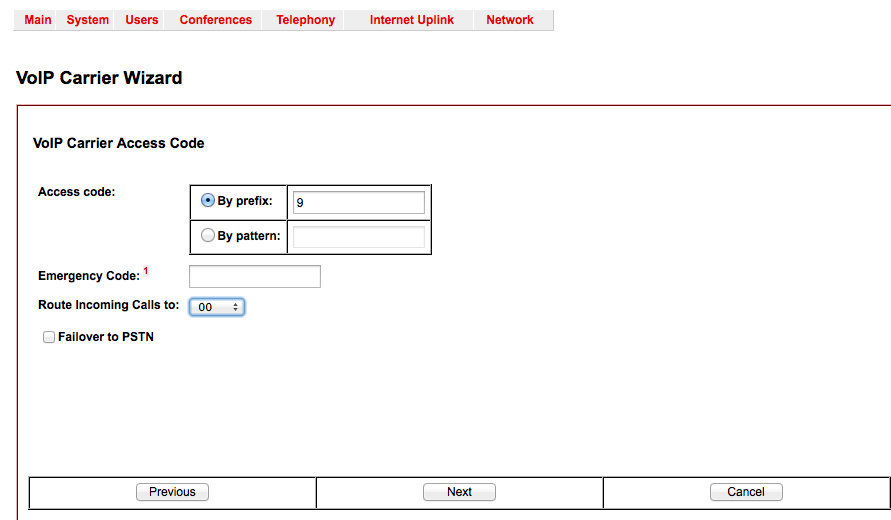
Select Next…
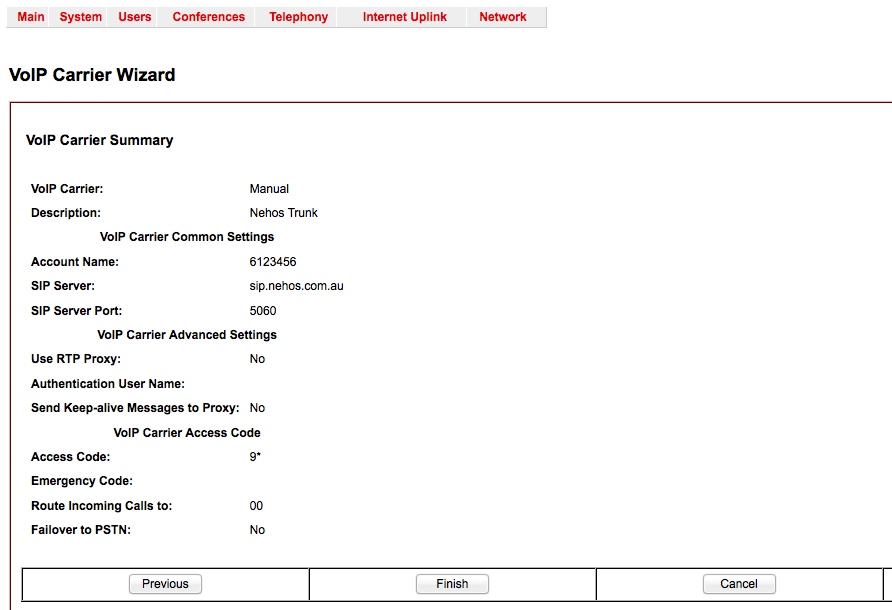
Select Finish
This will create and initiate the SIP Trunk – provided you have a connect IP or fixed phone you should be able to dial 9 and a regular telephone number to call out.
IF Prefix of 9 has already been allocated you can choose any prefix you like e.g 7