Pre-requisites:
- 3CX Firewall Test has passed.
- SIP user with password has been created.
- Direct in-dial number (DiD) is bound to the SIP user.
Notes
- Nehos offers a hosted 3CX solution. Please contact Nehos Sales for more information
- You can only present numbers associated with your account as Outbound Caller ID.
- Nehos supports E164 number format as well as Australian dial plan i.e 04XXXXXXXX or 614XXXXXXXX for calling mobiles as an example.
- The Nehos SIP Trunk does not require you to submit the public IP address you are using to use the service. However Nehos uses as advance intrusion detection system (IDS) that will block an IP address if multiple bad authentication attempts are made against the service. If your service is blocked (you will not be able to ping sip.nehos.com.au or see the Nehos website). Please contact Nehos Support to have your service unblocked.
- Nehos does not support T38 Fax protocol support on your 3CX service.
- Nehos supports TLS (encrypted SIP signalling) on port 5061 and SRTP (encrypted media). To enable TLS on your 3CX trunk, set the Transport to TLS and the port to 5061. SRTP can be set to Optional or Required in your trunk settings.
Login to your 3CX Management Console:
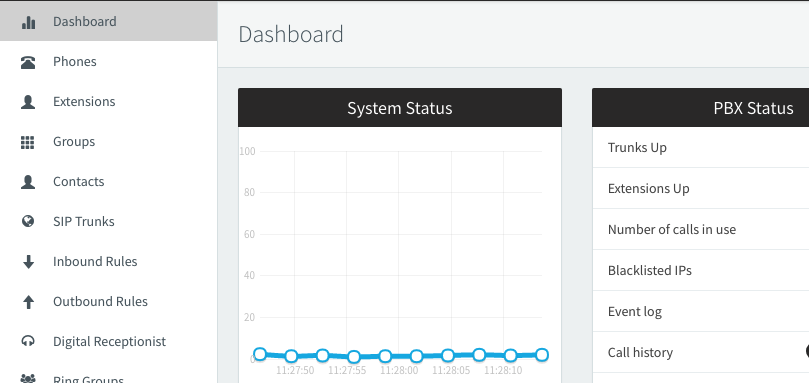
• Select SIP Trunks on the sidebar.
• Select Import Provider
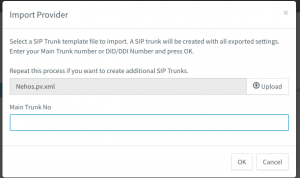
Download the Nehos SIP Trunk Provisioning Template and add it to the upload.
Enter the Main Trunk (DID) No and select OK
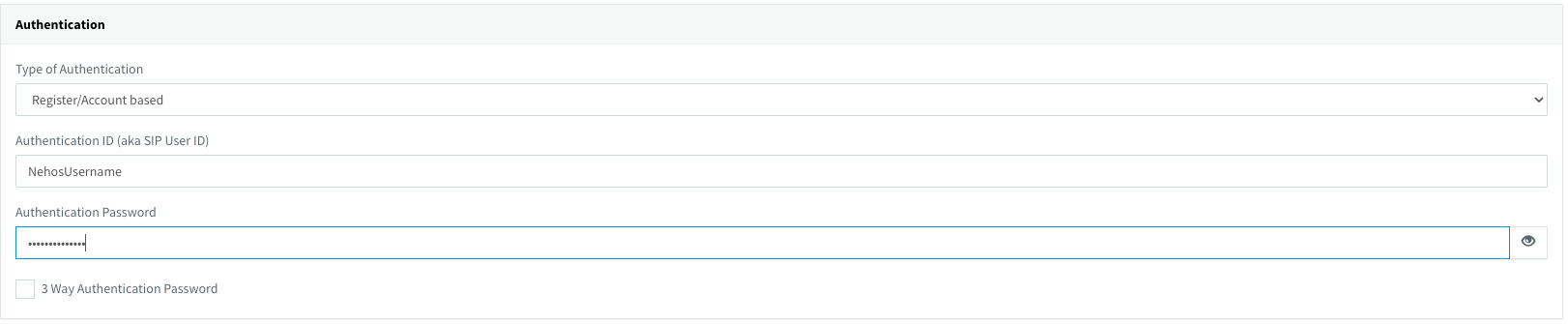
• Nehos SIP Trunk go to the Authentication section and enter your Nehos SIP Trunk username and password as follows
Click OK at the top.
Your new Nehos SIP Trunk should be registered and showing as green with Register Sent and Register OK on the SIP Trunks page of 3CX
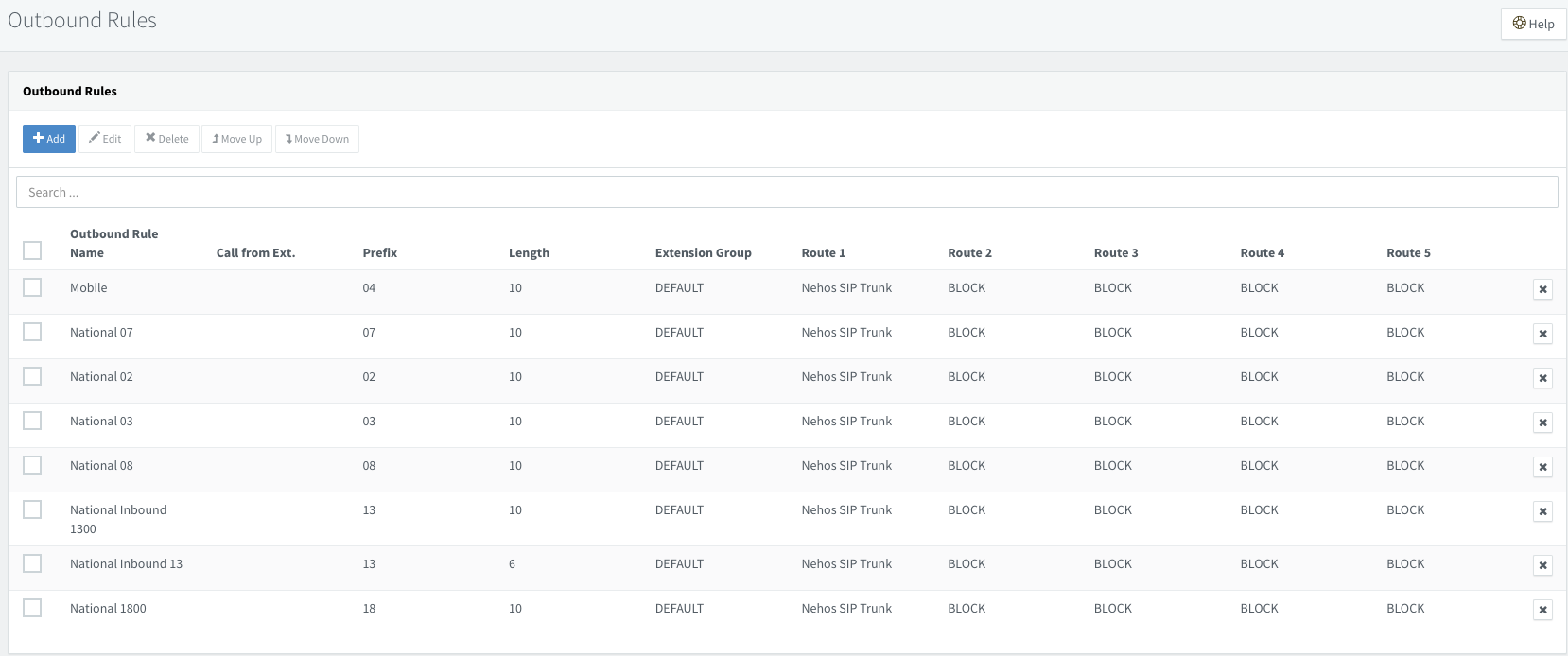
Outbound Rules
Create a rule for each outbound call type you want to enable. Example as below